
Yext SEO Trends and Updates You Should Know
Yext SEO Setup Guide for Beginners
Yext SEO is a powerful platform for managing local search visibility, business listings, and online reputation. For beginners, setting up Yext correctly is the first step toward improving local search rankings, driving traffic, and building trust with customers. This step-by-step guide will walk you through the essential setup process.
Step 1: Create Your Yext Account
Start by signing up for a Yext account at yext.com. Choose a plan that suits your business needs—single-location businesses may only need basic listing management, while multi-location or enterprise businesses may require advanced features like analytics and location pages.
Step 2: Add Your Business Information
Once your account is active, enter your core business information:
- Business Name
- Address (NAP: Name, Address, Phone number)
- Phone Number
- Website URL
- Business Categories (choose the most relevant primary and secondary categories)
- Hours of Operation
This information serves as the single source of truth that Yext will distribute across all platforms. Accurate NAP data is critical for local SEO success.
Step 3: Verify Your Business Listings
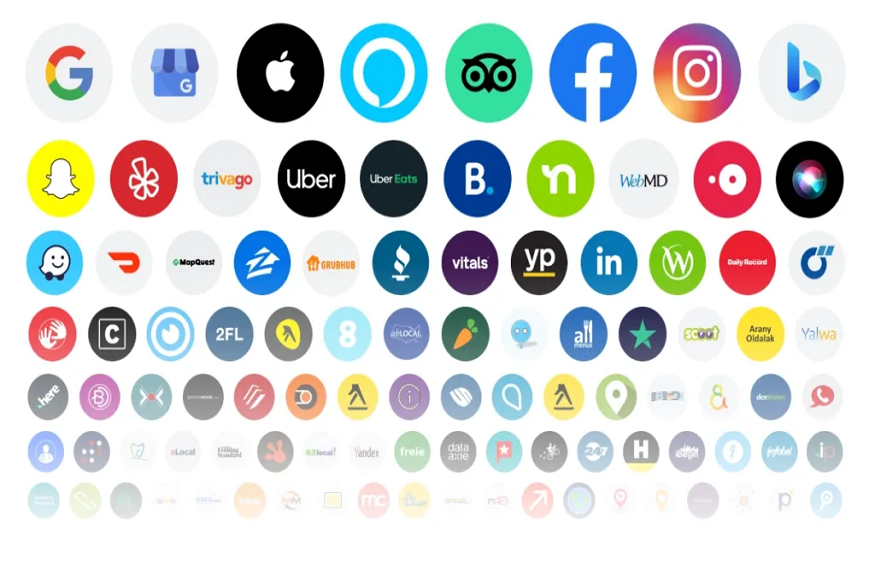
Yext will connect your business to various search engines, maps, directories, and apps. Verify each listing to ensure it is accurate. Verification may involve:
- Email confirmation
- Phone call verification
- Submitting documents for proof of ownership
Verification is essential for ensuring your listings are authoritative and trusted by search engines.
Step 4: Configure Google Business Profile
Integrate your Google Business Profile (GBP) with Yext SEO. This allows you to manage your GBP directly from the Yext dashboard. Optimize your profile by:
- Adding high-quality images and videos
- Updating categories and attributes
- Responding to reviews
- Publishing posts and offers
A fully optimized GBP increases your chances of appearing in Local Pack results and Knowledge Panels.
Step 5: Add Extended Attributes
Yext allows you to enhance your listings with extended attributes that provide more context for search engines and customers, such as:
- Payment options
- Accessibility features
- Amenities or services
- Service areas
These attributes improve visibility for niche searches and voice search queries.
Step 6: Create Location Pages (Optional for Multi-Location Businesses)
For businesses with multiple locations, Yext can generate location-specific landing pages. Each page should include:
- Localized content with city or neighborhood keywords
- Embedded maps and directions
- Detailed services and offerings
- Structured data markup for SEO
These pages improve organic search rankings and provide a better user experience.
Step 7: Monitor and Update Listings Regularly
Yext provides a dashboard to monitor listing accuracy, duplicates, and performance. Regularly review:
- Listing completeness and accuracy
- Duplicate or conflicting listings
- Customer reviews and responses
- Engagement metrics (clicks, calls, direction requests)
Consistent updates keep your business information trustworthy and improve local search rankings.
Step 8: Use Analytics to Measure Performance
Track your ROI and local search performance using Yext analytics. Key metrics include:
- Listing accuracy and completeness
- Local search impressions and clicks
- Google Business Profile interactions
- Review volume and sentiment
Use these insights to optimize your listings and improve overall local SEO performance.
Step 9: Enable Real-Time Updates
Whenever your business information changes—like new hours, relocated stores, or updated services—use Yext to push real-time updates across all platforms. This ensures customers and search engines always have accurate information, reducing confusion and increasing trust.
Step 10: Engage with Reviews
Use Yext to monitor and respond to reviews across platforms. Timely responses enhance customer trust, boost engagement, and improve local SEO signals. Encouraging authentic reviews can further strengthen your visibility and credibility.
Conclusion
Setting up Yext SEO for the first time is straightforward if you follow these steps: create an account, enter accurate business information, verify listings, optimize Google Business Profiles, add extended attributes, monitor performance, and use analytics to track results. With proper setup, Yext ensures your business appears consistently and authoritatively across search engines, directories, and maps—laying the foundation for improved local SEO, customer trust, and increased traffic.